
As our user base grows, we continue to discover new needs we could not fully anticipate in the early stages. One of these was the requirement for special pricing structures for specific customers.
We realized that this capability had to be deeply integrated into the system. This meant redesigning core calculation logic and permission structures. It was a challenging update, but a necessary one.
New Features & Major Changes
Completely redesigned pricing engine: All price, discount, and tax calculations have been rebuilt to support flexible and customer-specific pricing.
Pricing permissions moved to staff level: Nursery managers can now assign pricing and custom discount permissions to specific staff members and control them at any time.
- Toggles for wholesale and custom pricing visibility
- Default price list type selection (wholesale / unit / custom)
New pricing panel on product pages: Authorized users can switch between pricing types directly from the product list view.
Strikethrough pricing display: When custom pricing is active, the original price is displayed with a strikethrough or reduced opacity alongside the adjusted price.
New Interface Improvements for Orders and Offers
The product selection and editing experience inside order and offer popups has been improved. When searching for a product, results are now displayed as cards on the left side of the selected items.
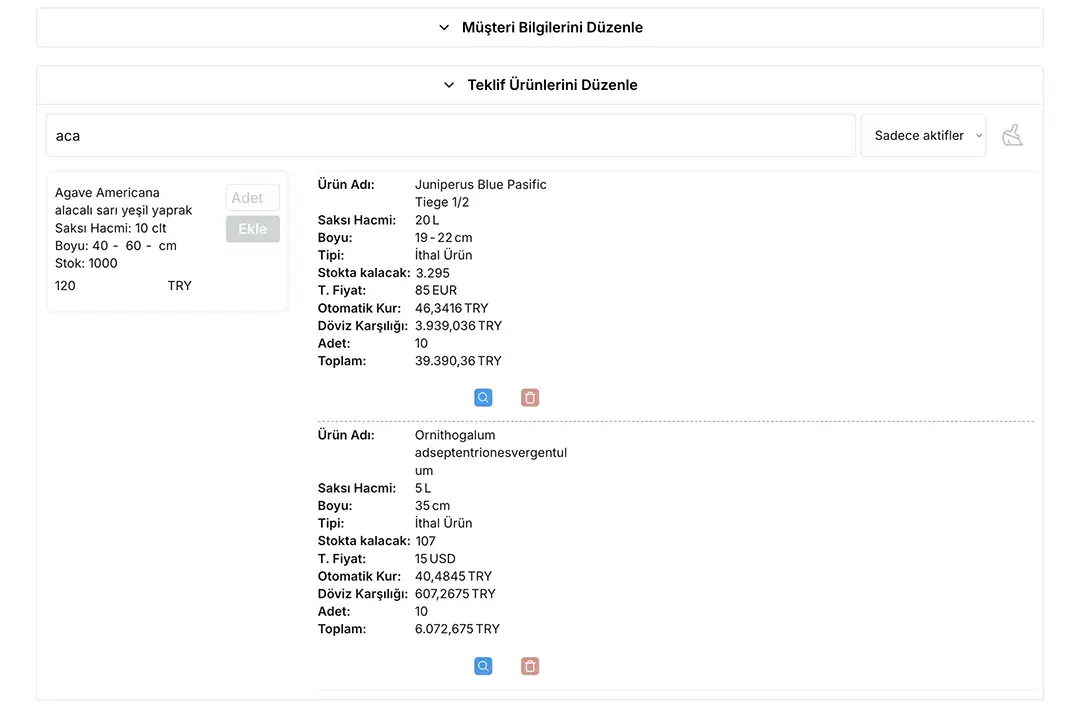
Focus mode added: Clicking the blue magnifier icon isolates the selected product and editing area. Clicking again returns to the full view.
Price locking for orders: Once an order or offer is created, selected pricing is locked and will not be affected by later user setting changes.
Fixes & Improvements
- Resolved pricing inconsistencies in existing orders
- Removed “Subtotal” column in approved order and offer tables for improved layout
- Added product image editing permissions from mobile to web version
Mobile Updates
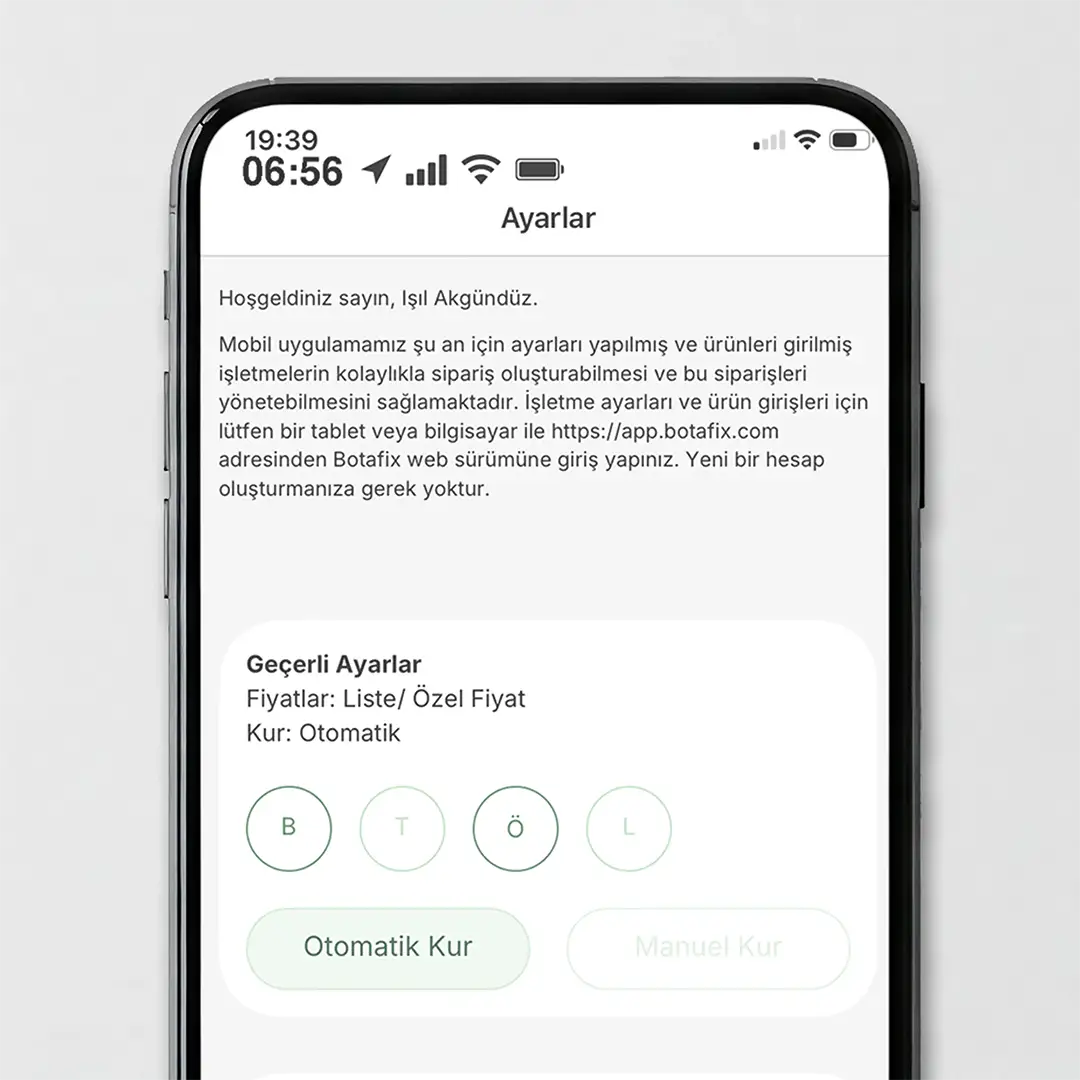
- Custom pricing options added to mobile versions (iOS 0.7.1 / Android 0.7.0)
- Authorized users can manage pricing settings from mobile
Due to new Google policy restrictions, selecting images from the gallery on Android devices has been disabled. Users can now update product images by taking new photos with the camera. A solution will be provided in future updates.
No such limitation exists for iOS. Users can continue uploading images from both camera and gallery.



Got questions?
Frequently Asked Questions
We’ve answered the most common questions to help you get started with Botafix.
